
This week is about choice and a faster start: pick the look of the site Zero builds for you, start a workflow from a ready-made template, change models without starting over, and stop losing automation runs when they overlap. Four updates landed — here's what's new.
Website templates
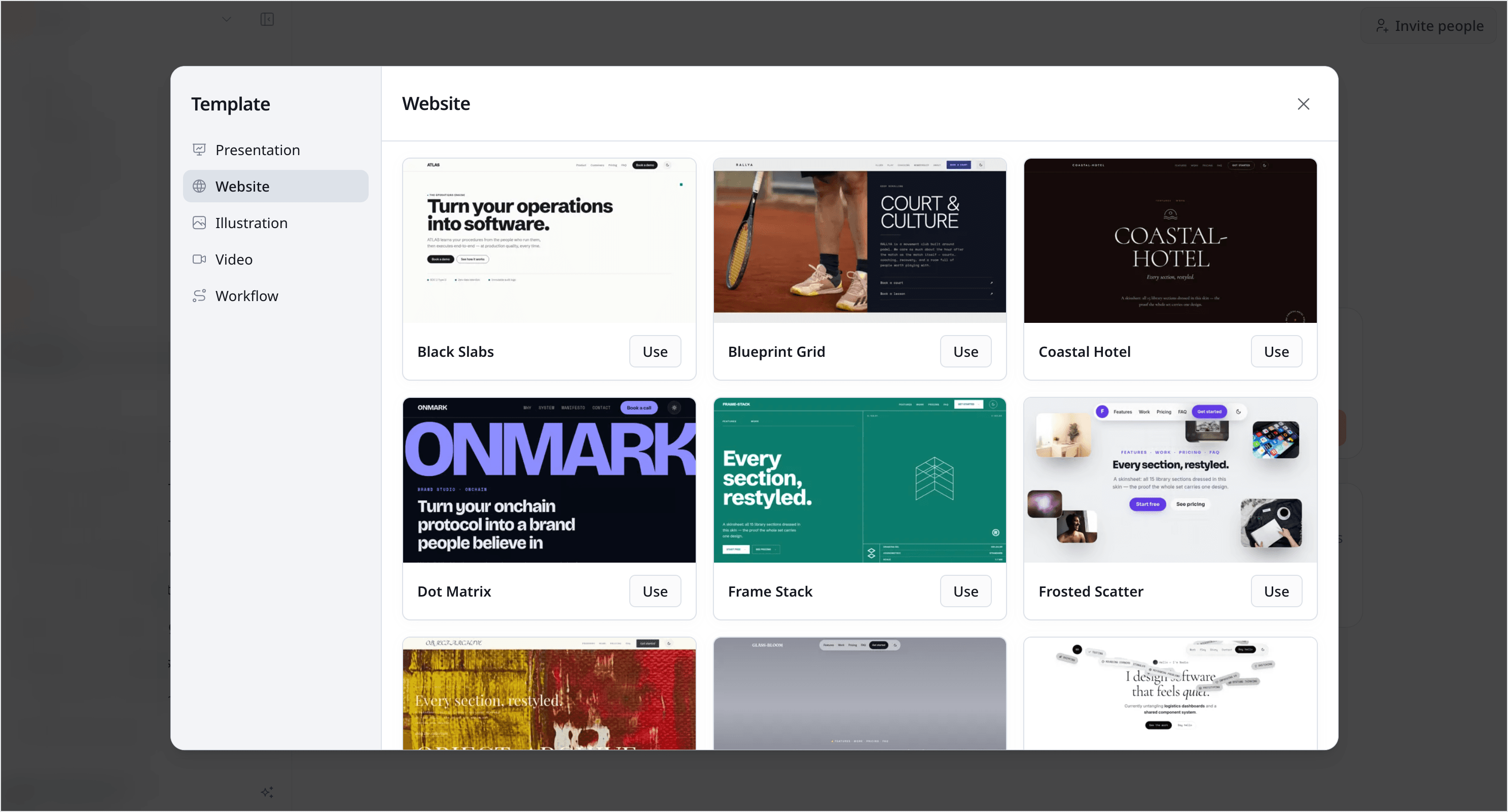
When you ask Zero to build a website, you're no longer handed a single default style. A template picker now lets you choose a built-in look — dot-matrix, frosted-scatter, and more — before Zero generates the site, so the result starts closer to what you had in mind.
Pick a template and Zero builds on top of it; skip the picker and you get the standard generation flow as before. It's the fastest way to set a direction without describing a whole design in words.
Workflow templates
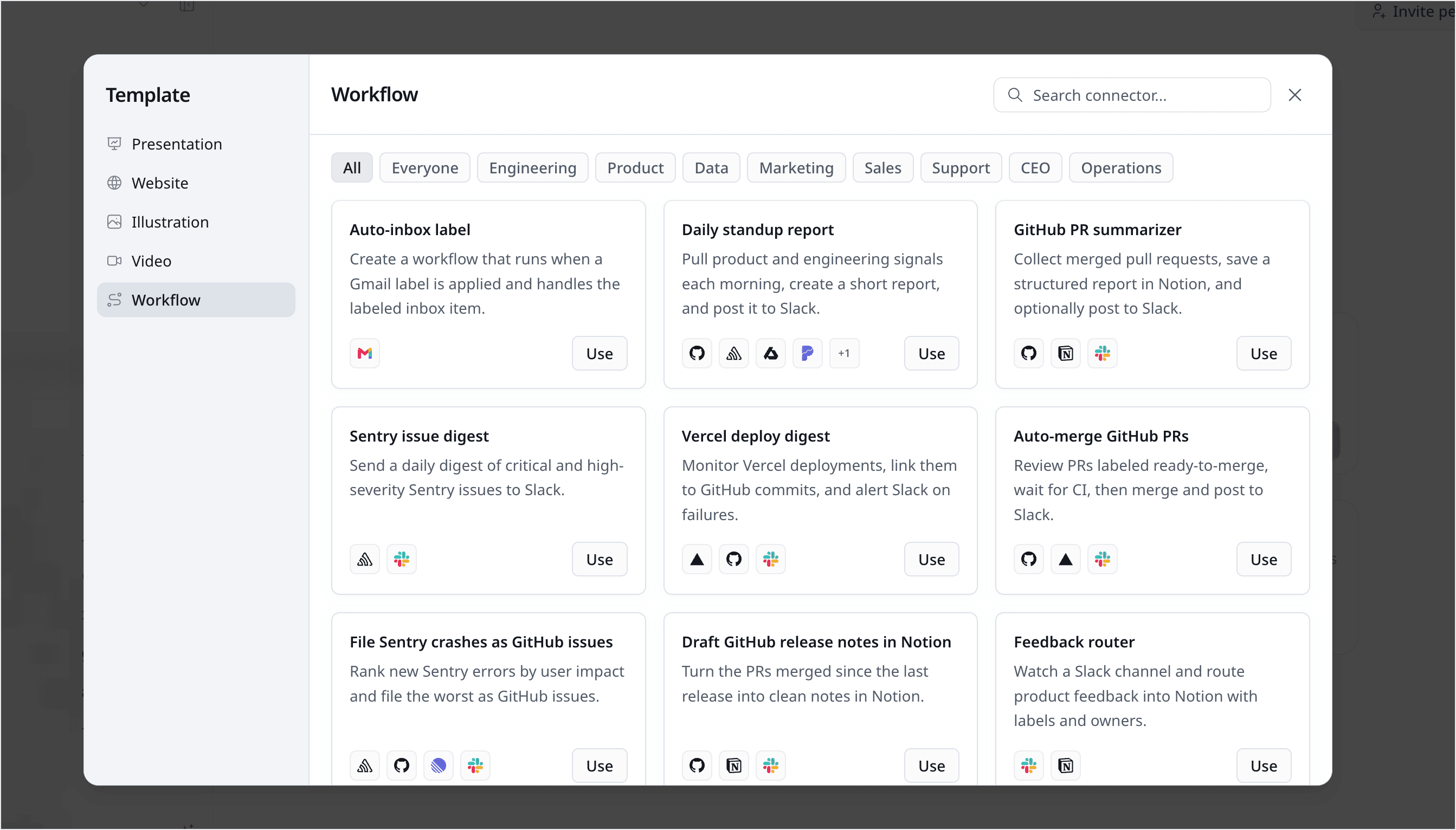
Starting a workflow no longer means describing one from scratch. Zero now ships with a library of ready-made workflow templates, organized by role, so you can browse them, pick the one that fits what you're doing, and run it right away.
There are plenty built in already — from research and outreach to reporting and triage. Open the picker and try the ones that match your work; each is a working starting point you can tweak.
Change models mid-conversation
You can now switch to a different model partway through a chat without losing your place. As long as you stay within the same model family, Zero keeps your session and context intact, so the conversation picks up exactly where you left off instead of resetting.
Reach for a stronger model when a task gets harder, or a lighter one when it doesn't, and keep going in the same thread.
No more missed automation runs
If you've set an automation to run on a schedule or a trigger, it used to get skipped whenever an earlier run was still going — so a busy stretch could quietly drop a run or two. That doesn't happen anymore.
Now your automation runs wait their turn and go one after another, so every one of them actually happens. You can also see what's lined up and pause or resume it whenever you want.
One more thing — the team was out and about
Shipping wasn't the only thing keeping us busy last week. The team was also out in the community — we ran a hands-on workshop in San Francisco and joined ScaleX 2026. Those few days away from the keyboard were time well spent, and it was great to meet so many of you in person.
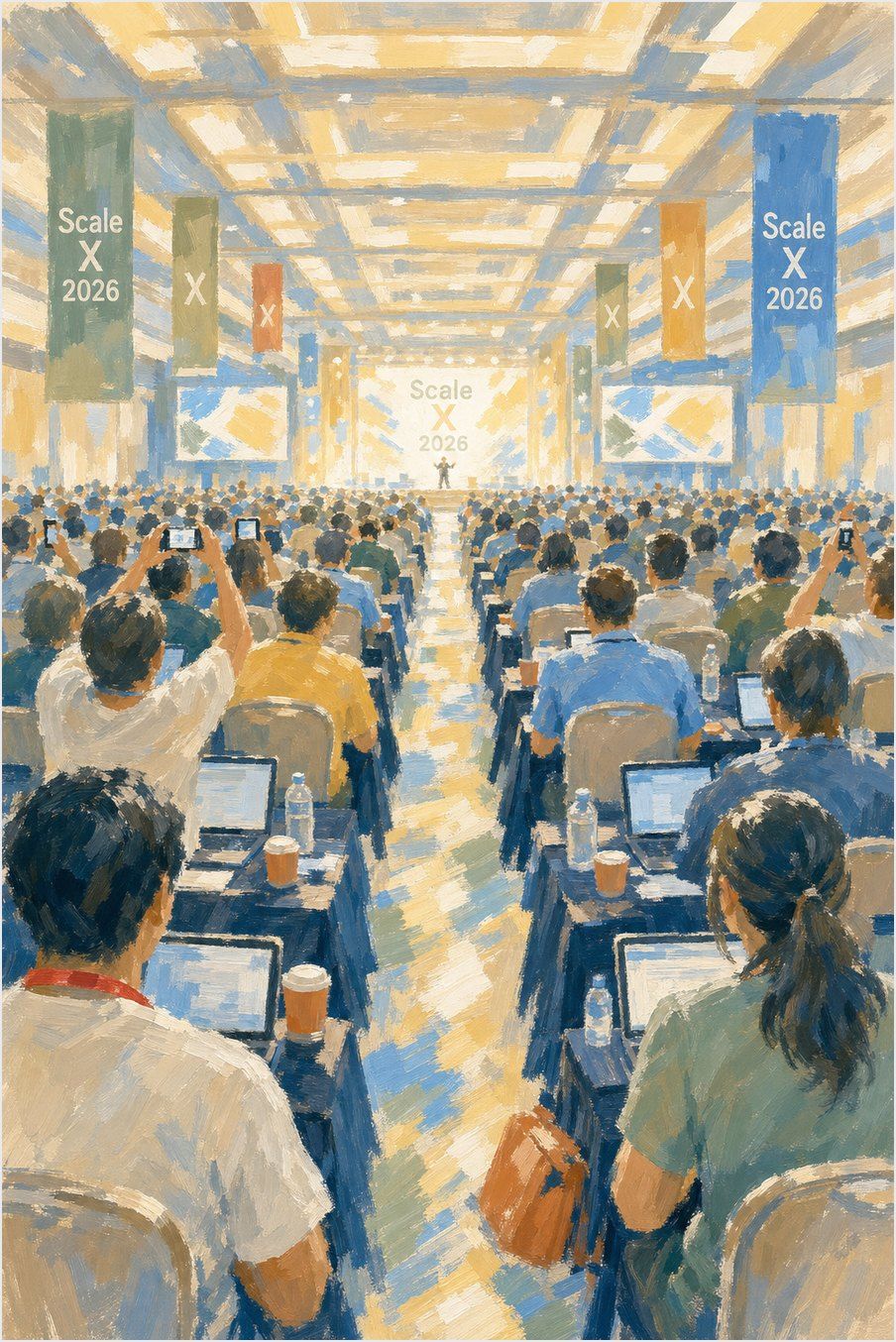
About that illustration: we snapped a photo on-site and had Zero turn it into the image above — a little live demo of what it can do.
That's everything from this week. Open a chat and try a new look, a ready-made workflow, or a new model — and tell us what you'd like to see next.


